
How to Search Civil Dockets
Civil suits in Lafourche run through the ClerkConnect civil inquiry. Know the suit number? Pick Suit Number. If not, match the path to what you have on hand. The choices are Plaintiff and Defendant, Plaintiff, Defendant, Attorney, or Suit Cause. The form offers a Show Caption option, and most paths accept date limits. Suit Kind and Suit Cause are dynamic portal fields. So read current choices from the live tool rather than guessing them. Once results appear, compare the suit number, party names, caption, filing date, and cause. Remember the cause is a portal classification, not a full plain-language account of the dispute. A match may open a released detail record. Or it may point you to a Clerk request for a document image or copy.
- Open Lafourche Civil Inquiry.
- Use the suit number first, or choose the party, attorney, or cause route that fits the record.
- Add a date range and Show Caption when similar names need separation.
- Review the suit number, parties, filing date, and cause before following up.
- Use Court Date Finder or the Clerk for the current setting or a released document.
Lafourche Parish Civil Suit Search Fields
The civil application changes its inputs to fit the Search Type you pick. A party search asks for last and first names. The attorney route takes a name or a barroll number. Suit Number relabels the field as Suit#. Result lists offer View Details plus page sizes from 15 through 100 results. A search result is not a complete document register. So treat it as a starting point for a deeper case lookup.
| Path | Portal field | Result context |
|---|---|---|
| Suit number | Suit# | Most direct identifier when printed on case papers. |
| Party | Plaintiff, defendant, or both | Use dates and caption to distinguish similar names. |
| Attorney | Attorney name or barroll number | Useful when counsel is known. |
| Cause | Dynamic Suit Kind and Suit Cause | Current portal terms may not match everyday case descriptions. |
The civil inquiry page is the source for this field inventory.
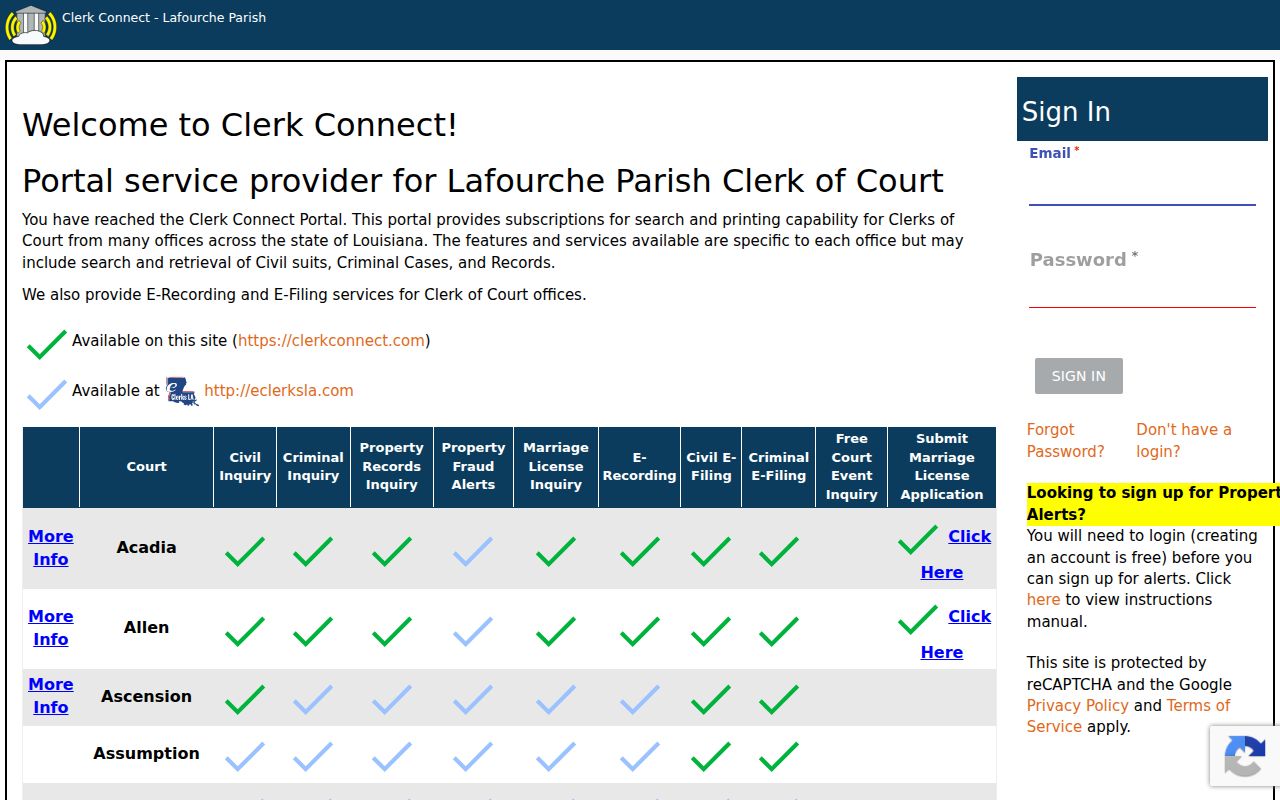
These search paths let you narrow a Lafourche suit with real precision. A broad party name alone is never a final match.
What a Civil Docket Shows
A Lafourche civil result can show the suit number and the plaintiff. It can also show the defendant, optional caption, filing date, cause, and a View Details control. The docket and its related record may include petitions and service information. It may also include motions, answers, judgments, minute entries, orders, and recorded instruments when released. Availability turns on the record's date and image coverage. Release status, sealing, redaction, and the type of request matter too. The court event tool adds the setting layer. It can return a civil caption, suit number, courtroom, judge, hearing type, and date and time. Those fields identify a scheduled event. They do not prove an order was entered. Nor do they prove a hearing actually occurred as listed.
| Suit number | The Lafourche civil identifier used for search and copy requests. |
|---|---|
| Caption | The styled case title, available when the result shows it. |
| Cause | A portal classification that can help narrow a result. |
| Filed date | The record's filing date, distinct from a hearing date. |
| Court event | The setting's date, time, courtroom, judge, and hearing type. |
| Released record | A Clerk-released image or copy, not a promise that every document is online. |
Lafourche Parish Civil Suit Language
Lafourche's portal uses civil vocabulary that can look strange at first. A suit is simply the civil case. Plaintiff and defendant name the party roles. A caption is the suit's styled title. Suit Kind and Suit Cause are portal categories. The attorney field uses a barroll number as its identifier. All of these terms mark search routes inside one civil interface, not different Lafourche courts.
- Suit number
- The civil case number used as the most direct search key.
- Caption
- The civil case title shown when available.
- Suit cause
- A dynamic classification filter that may not fully explain the dispute.
- View Details
- The result action intended to open more case information, subject to portal access.
When you request a public document, give the Clerk the suit number, court or division, approximate date, and the copy type you need.
Types of Civil Cases on the Docket
The 17th JDC civil docket spans a wide range of work. It covers ordinary money-due or note suits, damages, name changes, foreclosures, judgment executory or garnishment matters, mandamus, divorce, custody, adoption, succession, tutorship, minor settlement, notice, and interdiction matters. Treat these as fee-sheet categories and examples of court work. Each one does not promise the same public image access. District-court civil suits are not the same as a city-court case. They also differ from a Justice of the Peace small claim. A party living in Thibodaux does not put the matter in 17th JDC civil search by itself. That holds for another Lafourche town as well. Check the court line on the papers before choosing a portal.
Lafourche Parish Civil Fee Map
The Civil Fee Sheet explains why filing, search, and copy fees should never be confused. It lists new-suit filing charges, hearing-setting charges, service charges, and separate record-copy or certification entries. Those are court and Clerk service charges. They are not a fee to browse every docket. The exact amount depends on the document. It also depends on the service and the request.
| Documented item | Published figure | Important distinction |
|---|---|---|
| Plain photocopy | $1 per page | Copy Department figure, not a search subscription. |
| Search per name | $20 | Fee Sheet entry that may apply to the service requested. |
| Certification per pleading | $5 | Separate Fee Sheet entry. |
| Mailing or processing | $5 | Separate Fee Sheet entry. |
The Clerk's civil e-filing instructions are a source for the registered filing channel.
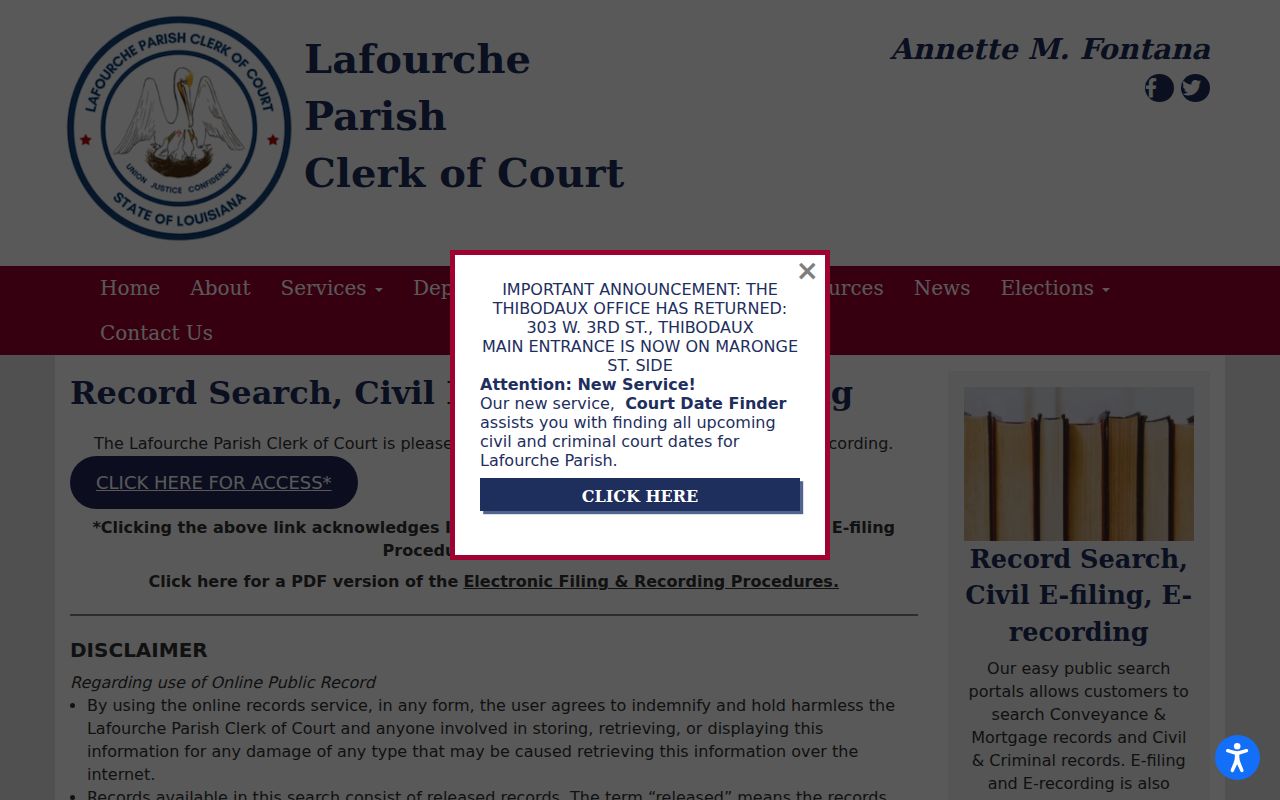
E-filing serves registered filers only and never replaces the public civil-inquiry or copy-request routes.
Settings and Hearings on Civil Dockets
Court Date Finder can return a civil caption, case or suit number, courtroom, judge, hearing type, and date and time. The 17th JDC local rules provide a civil duty judge. The judge rotates biweekly and can act in the circumstances assigned by Code of Civil Procedure art. 253.3. That rotation does not let a duty judge decide every pleading or order belonging to another division. Settings can be amended or continued, too. Confirm the current event with the assigned division. That matters most for a rule, temporary restraining order, injunction, foreclosure, or any matter with a short response period. A Court Date Finder entry is a useful setting lookup. It is not the final word on a proceeding.
Lafourche Parish Civil Duty Judge Practice
The 17th JDC uses a civil duty rotation to handle matters assigned under its local rules. Each division keeps its own cases. So a Lafourche civil docket result may point to a division. A later calendar entry may name a duty judge instead. Keep both fields handy. That way the court office can match you to the right setting without guessing.
Filing is separate. The Clerk's official civil e-filing entry confirms that filings go through a registered-user system of their own. PDFs must follow the Clerk's format, size, and identifier rules. The public sees an accepted filing only as far as Louisiana public-record and court rules allow.
For the Lafourche filing entry point, the civil e-filing portal is the place to start.
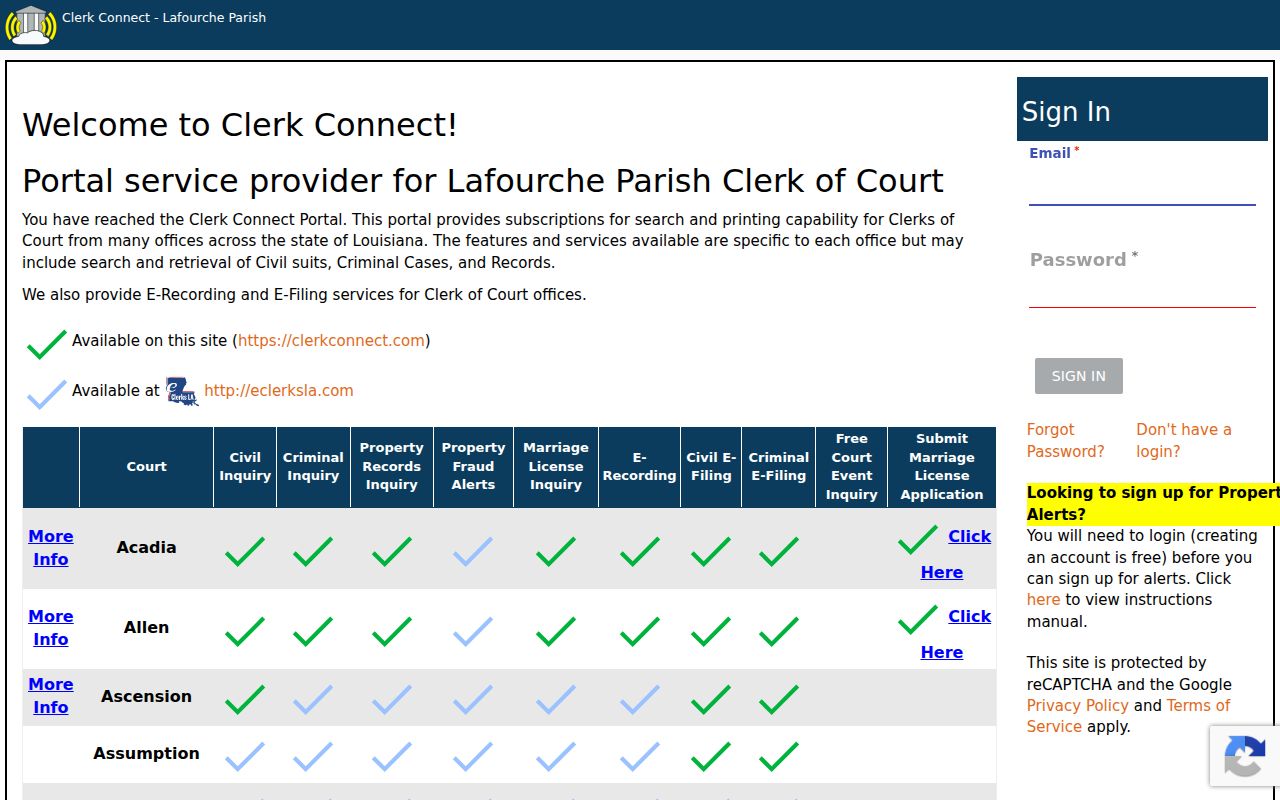
Its registered-user status separates filing work from public inquiry and record access.
Public Access to Civil Dockets
Access rests on two authorities. Louisiana Public Records Law sets the general framework. Code of Civil Procedure art. 251 covers qualifying district-court records. In practice, Lafourche Parish residents reach civil dockets through the Clerk's public research area. Online records access, the Copy Department, the email channel, and the copy-request process round out the options. Paying for an index or a subscription changes none of the limits. Sealed files, redactions, document-release rules, and image-date gaps all still apply.
Sensitive material gets extra protection. Adoption, interdiction, minor, medical, and financial records may be restricted by law. The ClerkConnect index can show less than a full file. An image may be missing even when the suit number exists. That gap means nothing. Ask the Clerk for lawful confirmation or a specific copy rather than reading protected facts into an absent result.
Key Louisiana access rules:
CCP art. 251 addresses district clerk custody, inspection, copies, and certification.
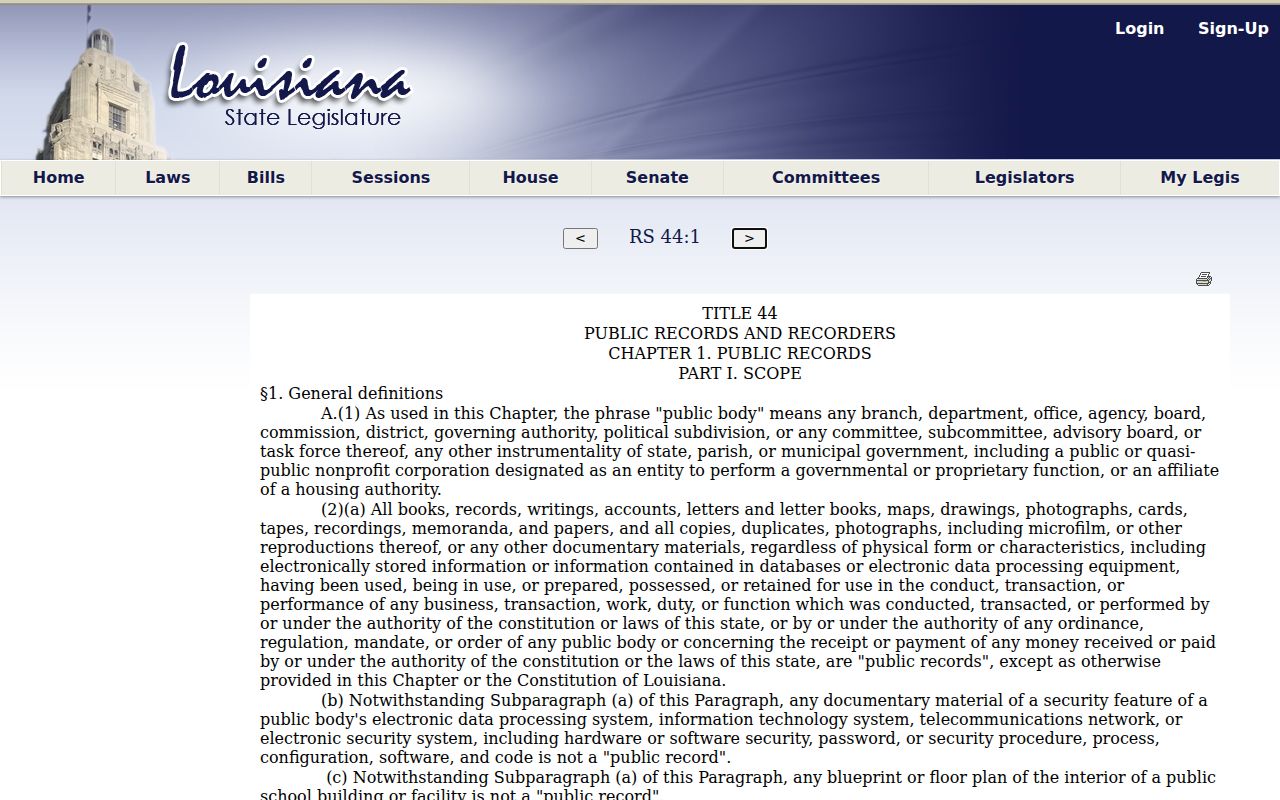
La. R.S. 44:1 defines public records and the custodian.
La. R.S. 44:32 addresses examination and copying procedures.
Lafourche Parish Civil Index History
The Lafourche Clerk's coverage has firm start dates. Civil and criminal indexes run from July 1, 1982. Minute entries run from January 1, 2001, and images from March 2018. An older civil suit can carry an index entry with no digitized image behind it. Earlier images may still exist after redaction. When a record is old or unavailable, the public research area or the Copy Department is the documented fallback.
Two cautions from the Clerk's records page are worth keeping. Online records exist for convenience. Only the official Clerk record counts as official. Also, a newly assigned number may stay out of the index for a time. The record has to be recorded, indexed, verified, and released first.
The clerk-custody rule behind this comes from Louisiana law, and the official page lays it out.
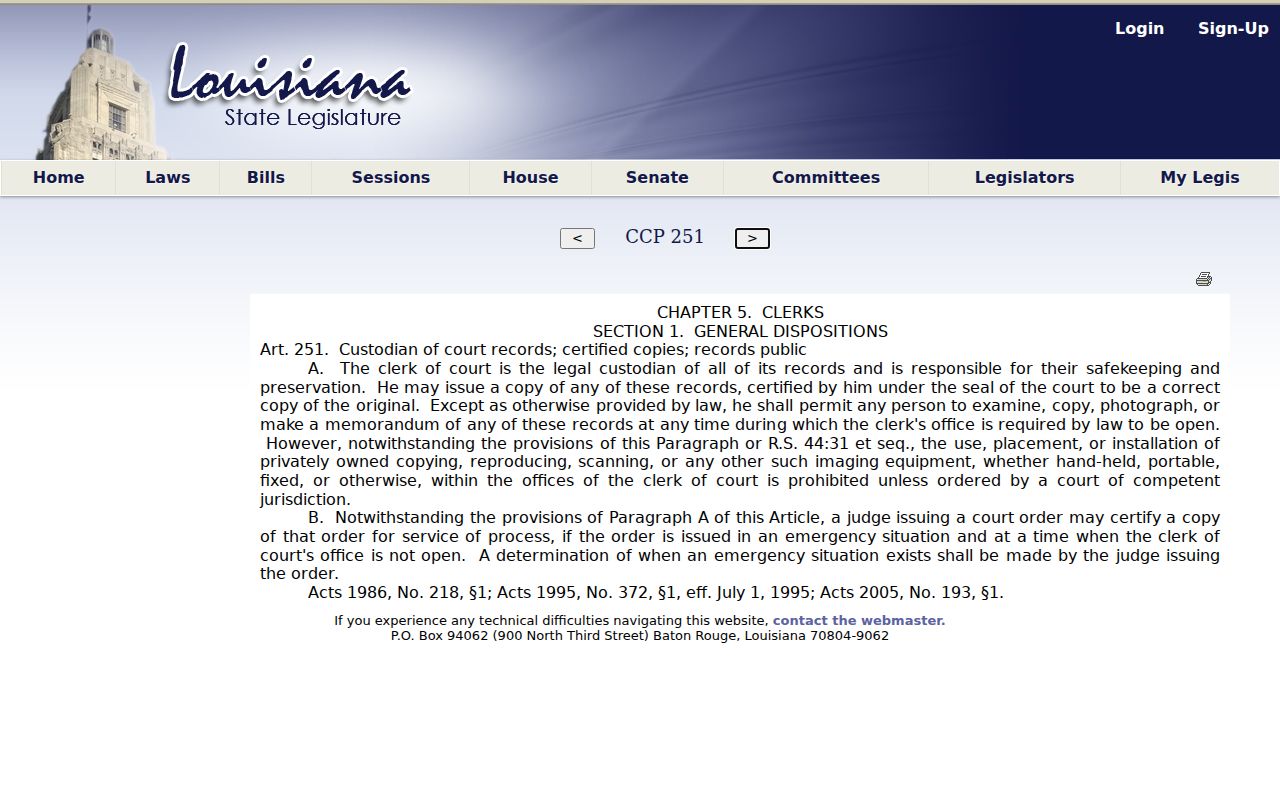
When a lawful record cannot be pulled from a public online image, that rule is what backs a direct Clerk request.
The boundary of what counts as a public record comes from Louisiana's public-record definition law.
Whatever the Lafourche civil record, access follows the confidentiality and release rules that govern it.